Liddyβ„’ Maintenance Guide

Keep your Liddy system working perfectly with these simple maintenance steps

O-Ring Replacement

When to replace: If you notice your handles wobble or you lose confidence in your handles ability to stay secure.

Note: Each handle comes with a spare O-ring already installed inside. You don't need to purchase replacements unless both O-rings are worn. Please see step 2 for more details.
Note 2: Liddy is not responsible for Lids that are not properly latched, maintained nor tampered with.
1
Remove Handle from Lid or Base Station
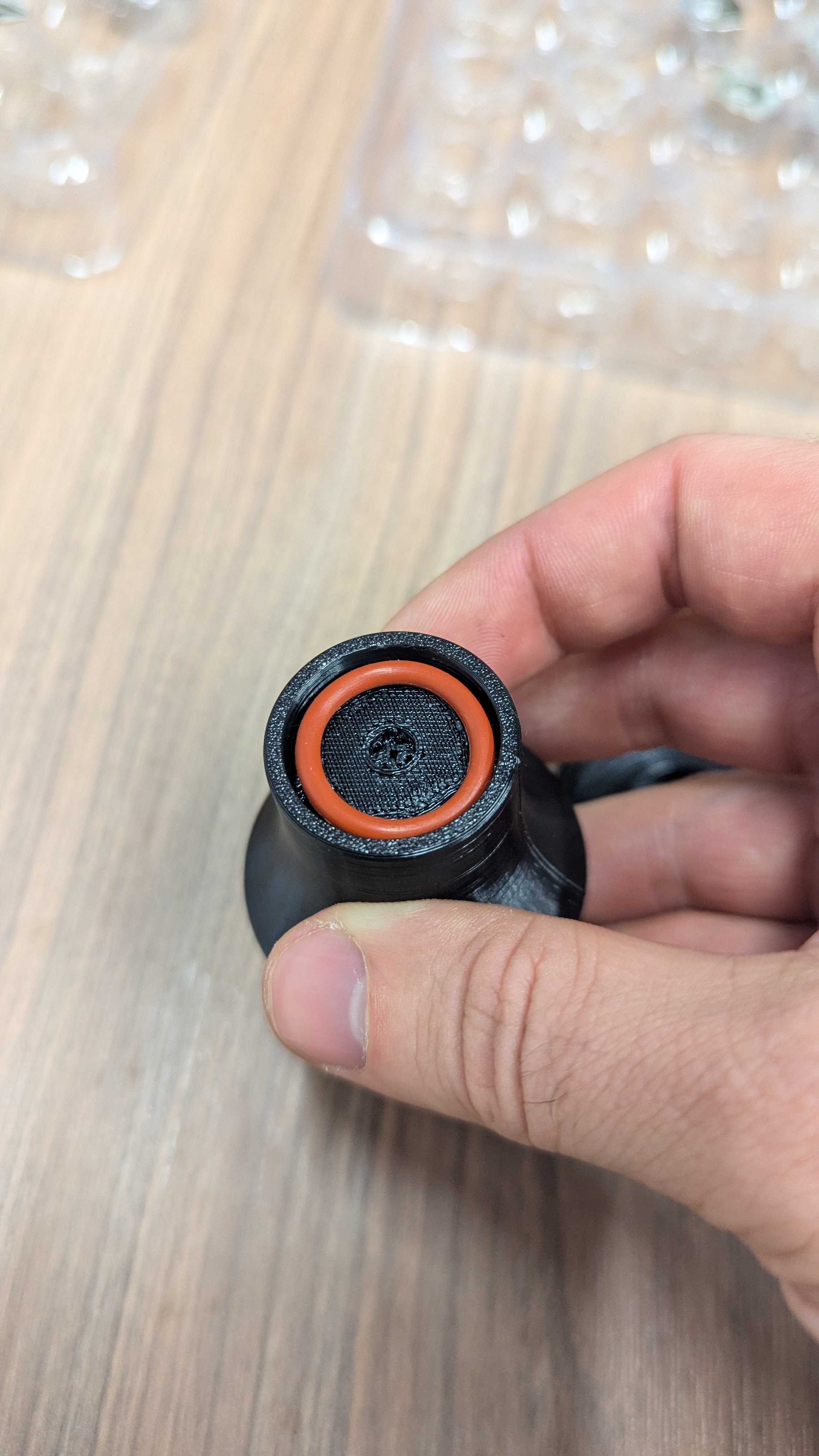
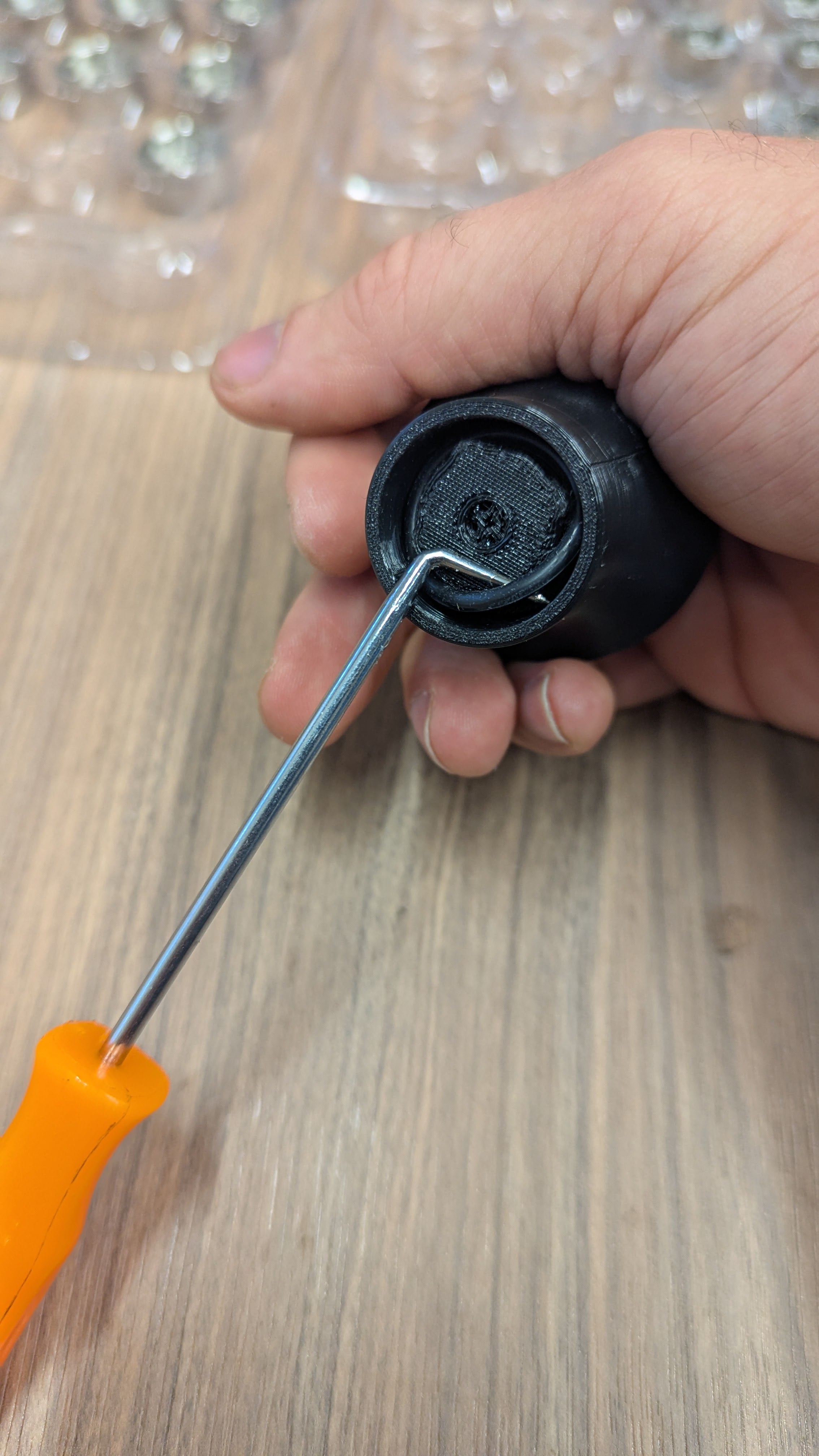
Look at the bottom of the handle for the factory black O-ring. If this O-ring is still in place, it needs to be removed prior to the installation of the replacement O-ring.
Bottom view of handle showing factory black O-ring that needs to be removed
2
Open the Handle Top
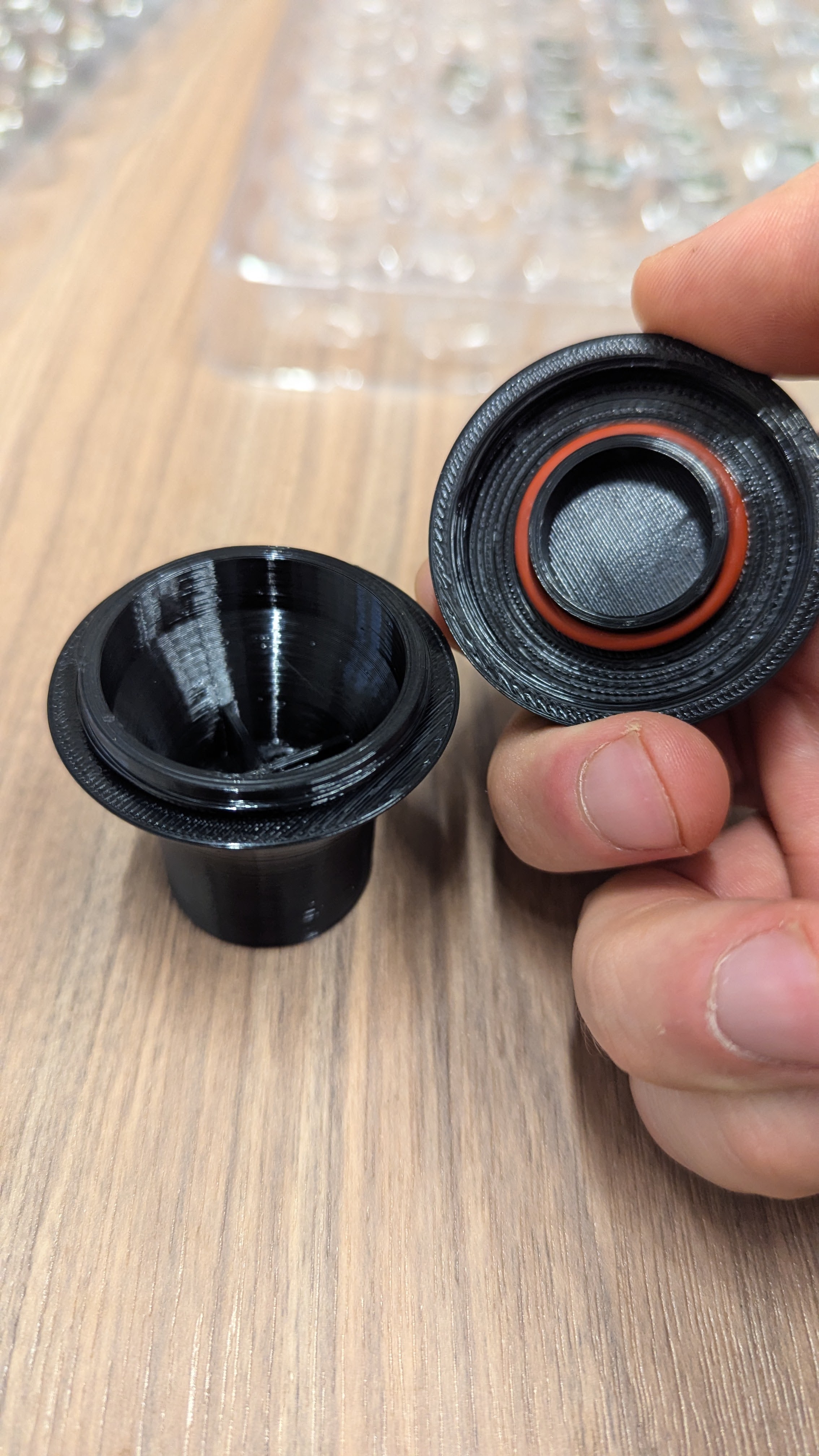
Locate the removable top section of the handle. Twist counterclockwise to unscrew and remove the top portion, exposing the spare O-ring inside.
Handle top being unscrewed showing the unscrewing process
Note: If your spare O-ring has already been utilized you can pick up O-rings from your local hardware store. Factory O-ring: 17mm x 2mm, Replacement O-ring: 15.54mm x 2.62mm (β‰ˆ 5/8" x 3/32").
3
Remove the Spare O-Ring
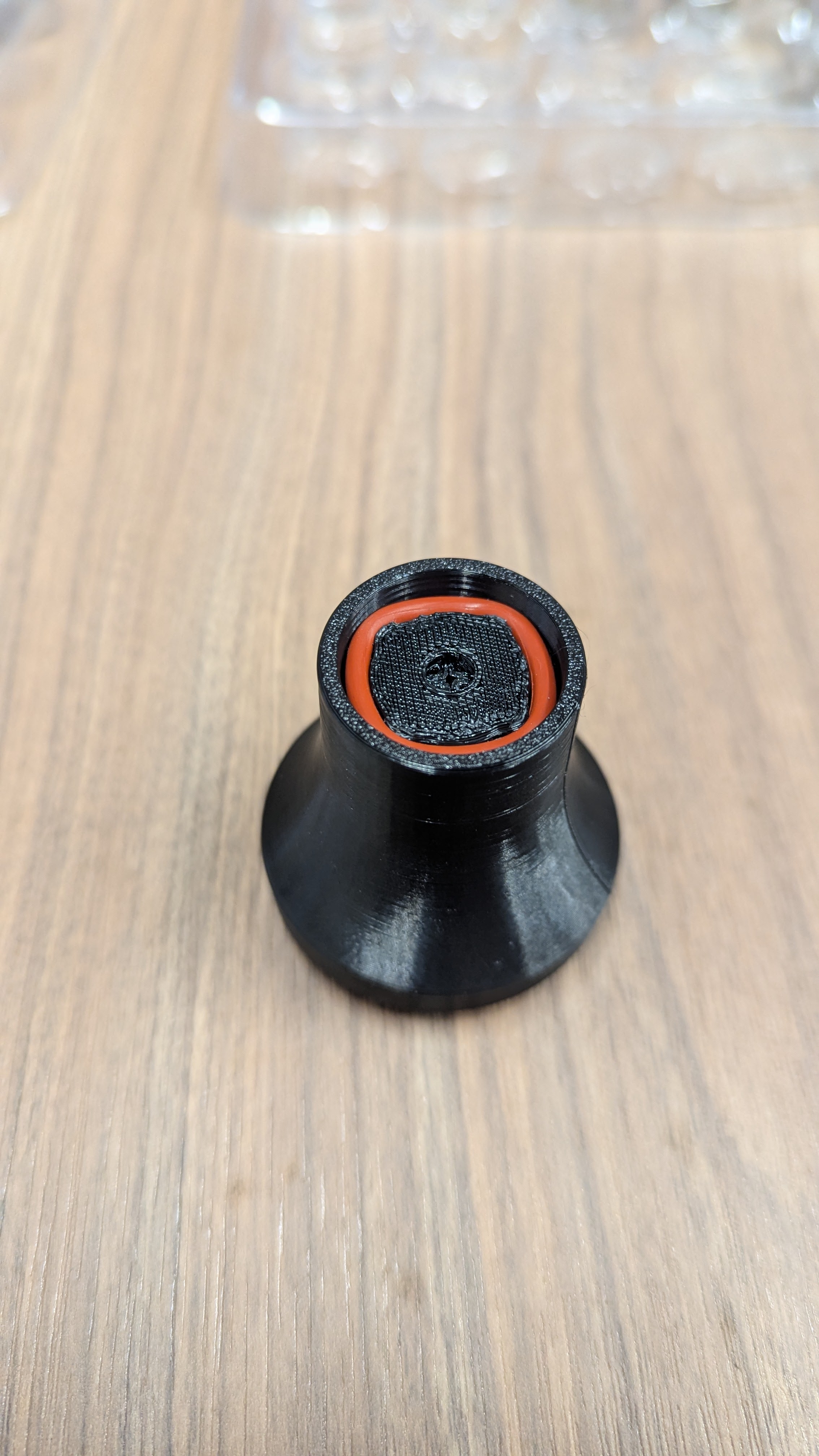
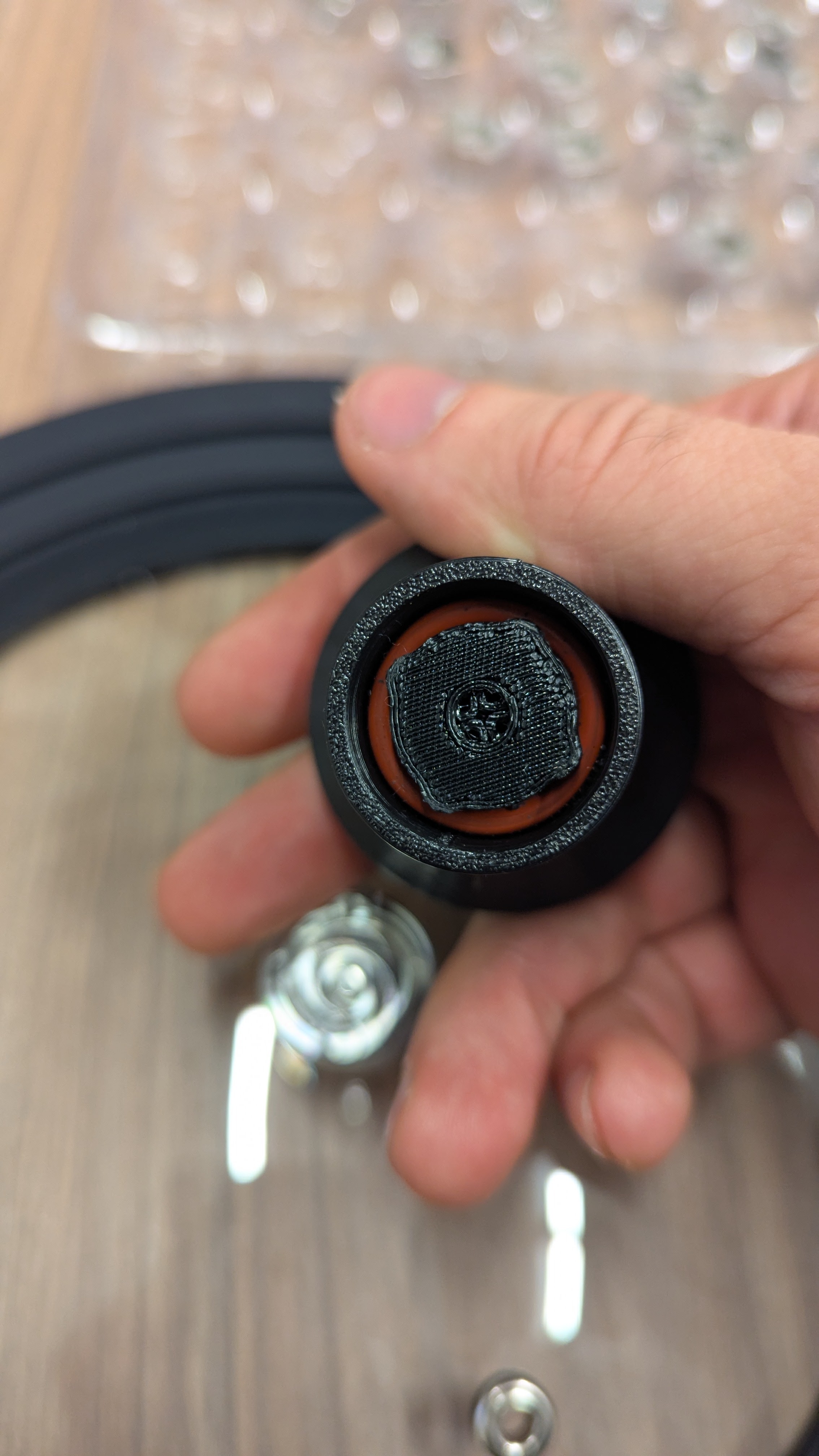
Carefully remove the orange FDA silicone O-ring from inside the handle. This is your replacement O-ring.
Internal compartment exposed showing spare O-ring location and removal
4
Insert New O-Ring
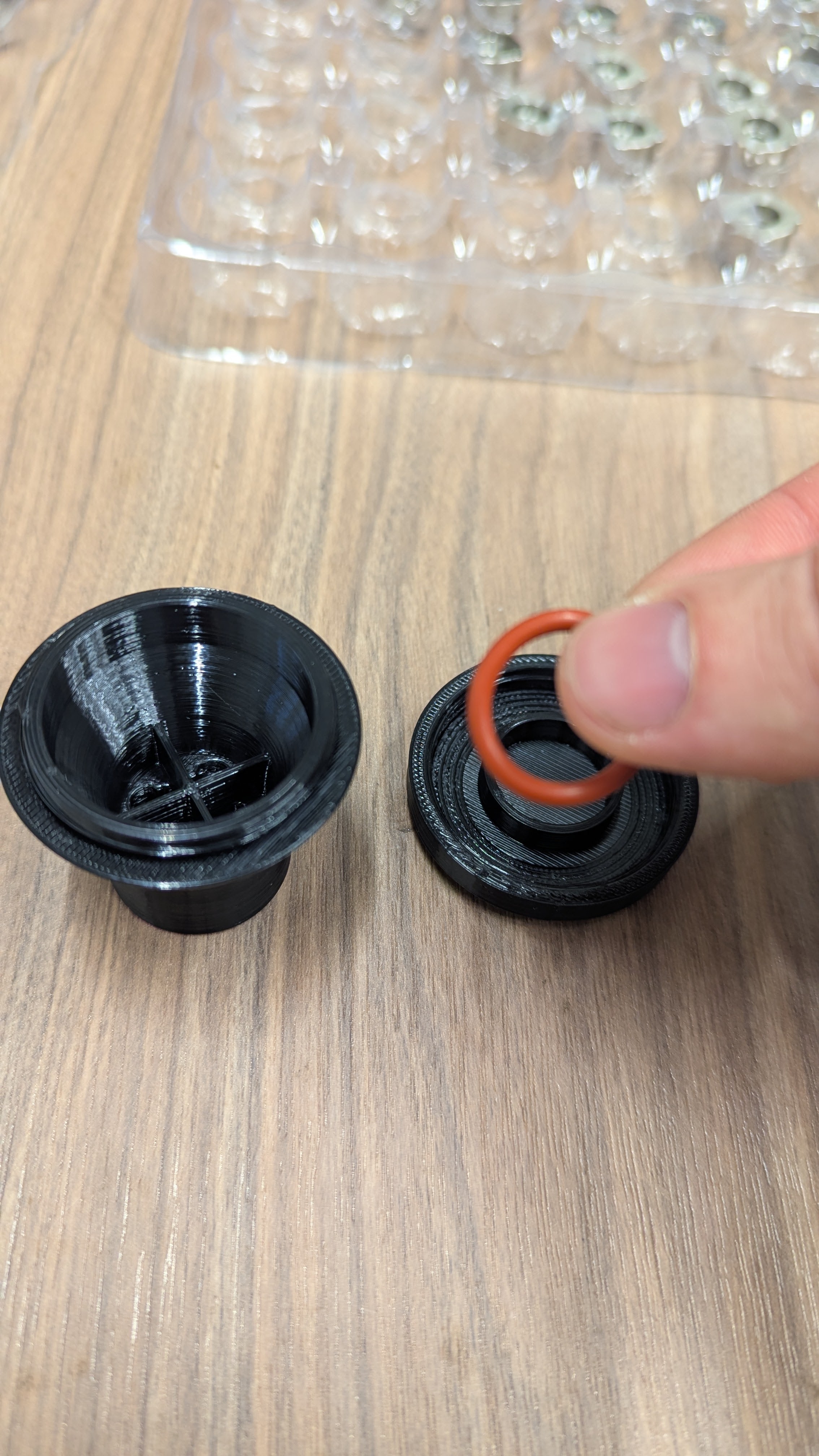
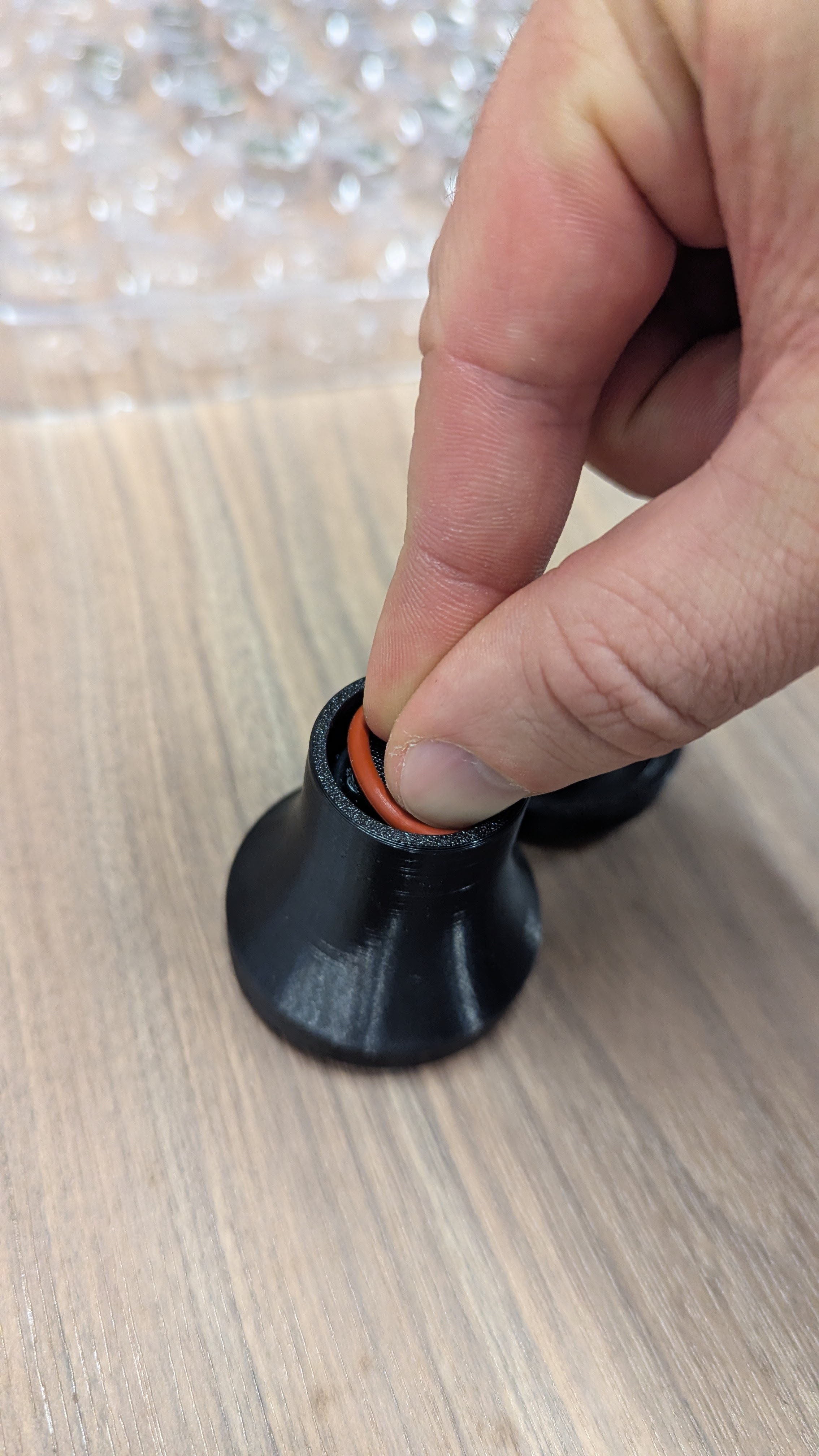
If not completed in step 1, remove the old O-ring if not already removed. Then set the new O-ring on the handle bottom and use your fingers to press into the slot while twisting the handle until it is stretched over the 4 tabs/bottom portion.
Removing old O-ring from handle bottom if not already removed Setting new O-ring on handle bottom and pressing into slot Twisting handle to stretch O-ring over the 4 tabs
5
Reattach Top of Handle & Press on O-Ring
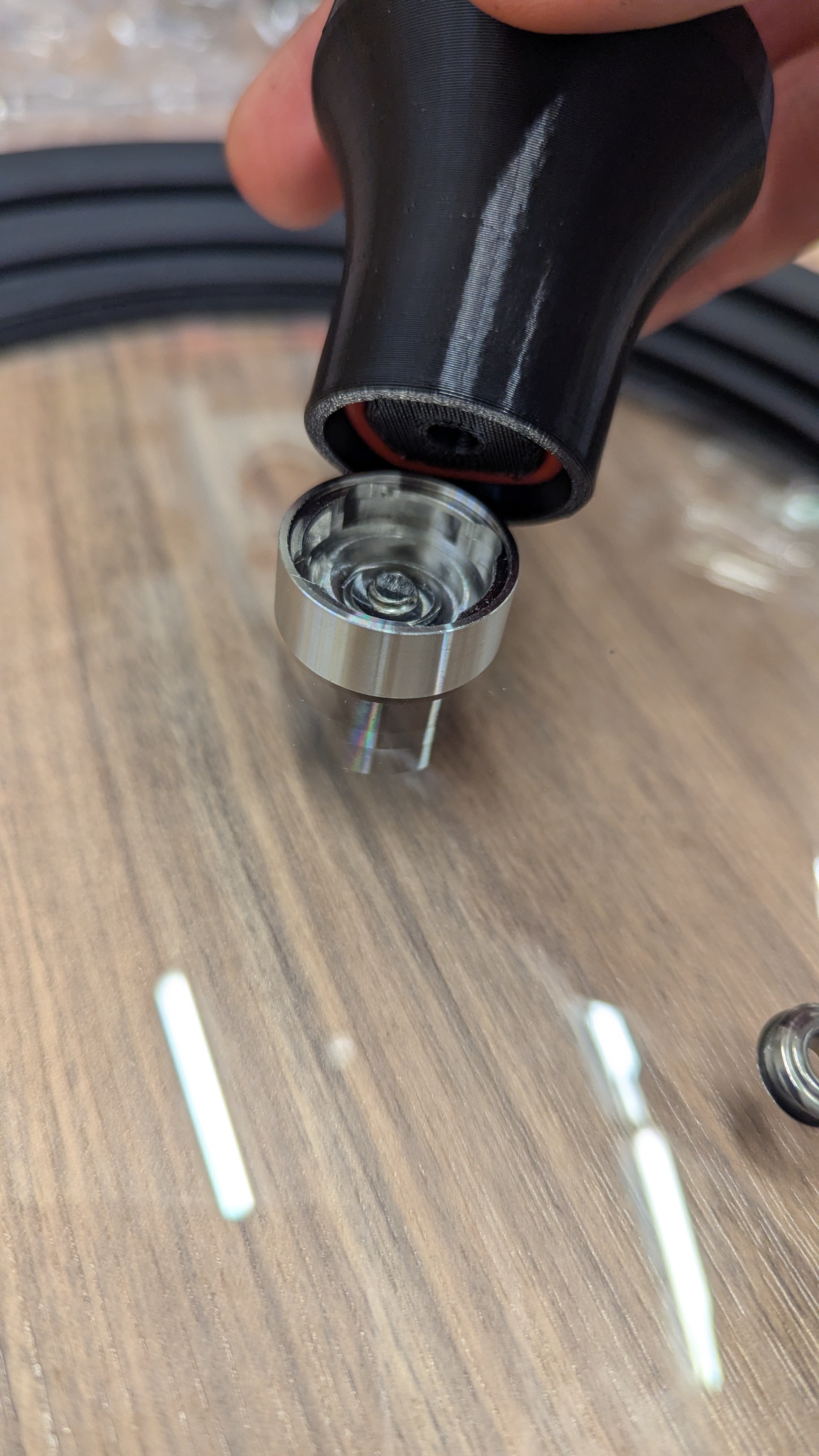
Screw the top portion of the handle back on by turning clockwise until snug. To fully set the O-ring in place, gently press the handle onto either Liddy Lid until the handle fully seats and 1/4 turn locks securely. Check to ensure O-ring is fully set behind the 4 tabs.
Screwing the top portion of the handle back on clockwise Pressing handle onto Liddy Lid to set O-ring behind 4 tabs
Note: This O-ring has a 131% larger cross section than the factory installed O-ring. This is to accommodate normal wear and tear but may feel tough to turn to begin with. The feeling will improve with normal use.
6
Do a lil' jig
Time to celebrate! You've successfully completed your O-ring maintenance.
Happy celebration dance

πŸŽ‰ Maintenance complete! Your Liddy is ready to go! πŸŽ‰

Handle Height Adjustment

When to adjust: If your Liddy lids keep falling forward or backward when stored in the base station, you may need to adjust the handle height position.

1
Identify the Problem
The handle height is set from the factory to match your Liddy set size. Sometimes these setpoints can shift for various reasons. The proper setpoint allows both lids to stand vertically when interlocked and placed in the base station with both handles.
If the lids are leaning too far backwards, the handles need to be raised. If the lids are leaning too far forwards, or falling forwards, the handles need to be lowered.
Lids in base station showing proper positioning and potential leaning issues
Note: The XL lid shipped in the MXL set will require leaning against the backsplash while in the base station if not accompanied by the M lid.
Note 2: The majority of Liddy V1 use cases have the base station pressed against the backsplash which nullifies any over-lean to begin with.
2
Remove Lids & Handles, Grab a Butter Knife
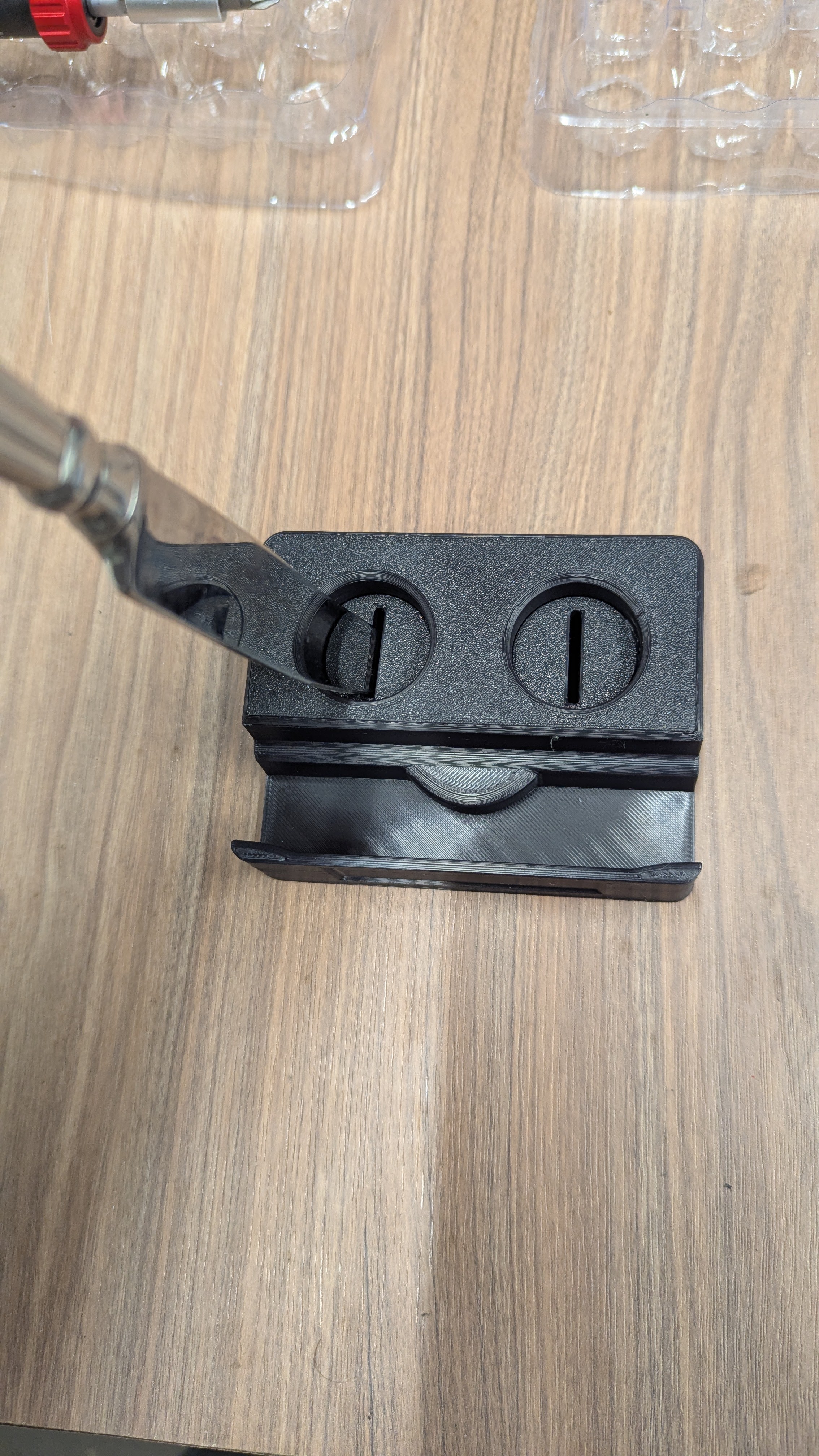
The Liddy owl eyes are slotted to accommodate a common butter knife. Hold the base station with 1 hand while turning the eyes. Clockwise lowers the handles, counterclockwise raises the handles.
Using butter knife to adjust owl eyes on base station showing clockwise and counterclockwise directions
Note: The max height of the eyes is intentional to keep the handles from falling out while supporting the Liddy set. The lowest setpoint is limited by the curvature of the handle touching the top of the base station.
3
(Pro Level Owl Masters Only) Adjust Your Mood
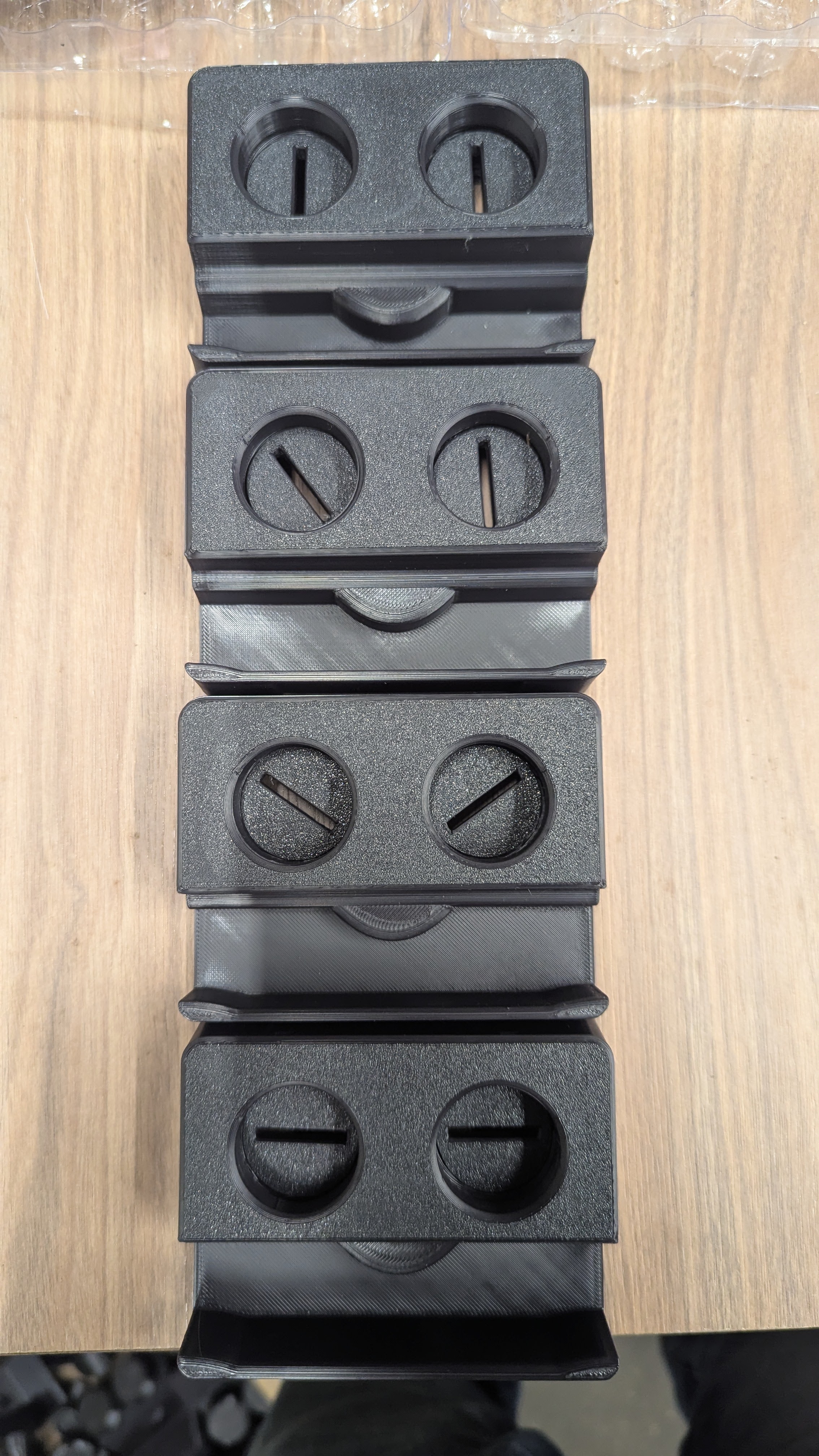
After you find your height settings, you may be able to adjust the mood of your owlette as needed. We provided some examples in the image below: πŸ‘€πŸ€ͺπŸ˜€πŸ˜‘
Different owlette mood expressions showing various eye positions matching emojis